
- Published on
How to comment, rate and review games on itch.io
- Authors

- Name
- Keith Waters
Commenting, rating and reviewing games on itch.io helps send the signal to itch that the game is active and has people playing it. Then they will start recommending it to other folks. A virtuous cycle, if you will. I don't know exactly how the itch algorithm works, in this forum post an admin suggests that the sorting and recommendation algorithms use an "aggregate of scores". Scores are a bit unclear here, but I think they are referring to ratings in the post and there is a mention of comments there too.
Even with the itch.io algorithms being a bit of a mystery, comments, ratings and reviews definitely help the game devs know whats going on with the game and how people are reacting to it. I for one enjoy reading through all of them.
On to how to do the things:
Prerequisites
You'll need an itch.io account to do any of the below actions. You can sign up for one here
How to comment on an itch.io game
Go to the game page that you want to comment on, The Lines Game page is here and scroll down till you see "Comments"

Once you find that section click in the text area below in and you should see it expand. Like this:
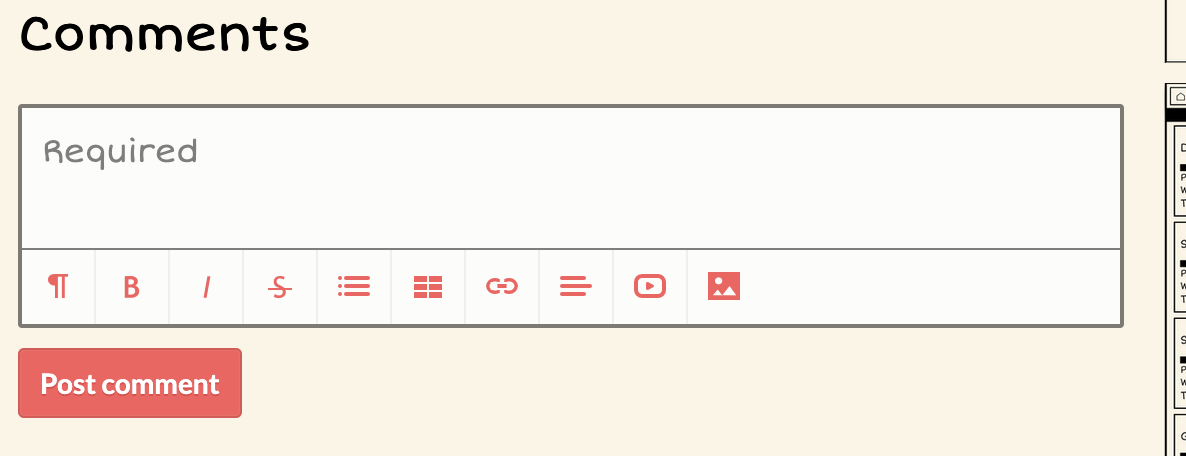
Click in the text area again and enter your comment. When you are done make sure to click "Post comment" to actually post it!
How to review and rate a game on itch
Go to the game page that you want to review. On desktop the "Rate this game" button will be in the top right:
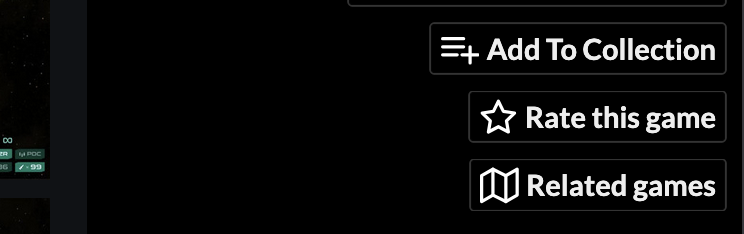
On mobile you'll need to scroll to the bottom and "Rate" will be in the bottom toolbar

Click "Rate this game", or "Rate" on mobile, and you should see a screen like this:
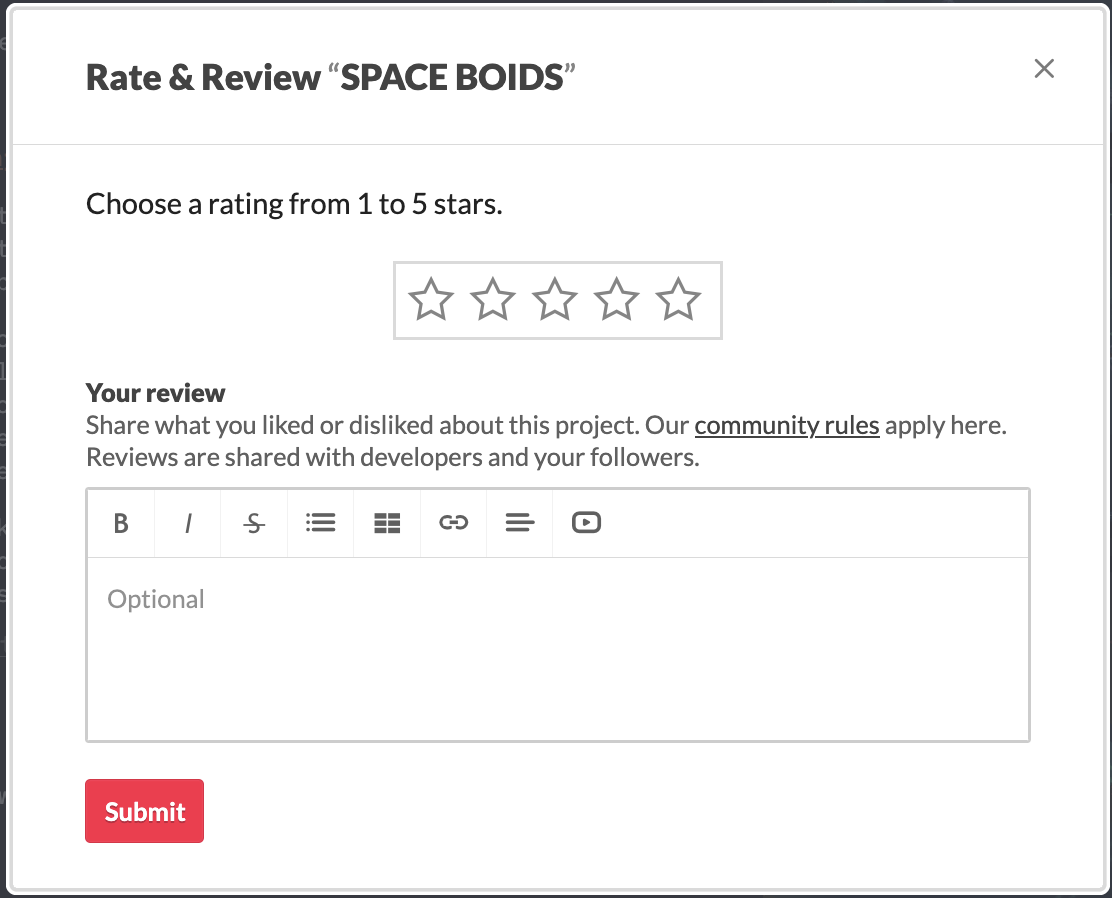
To rate you can choose a number of stars

And to review fill in the text area with your review of the game
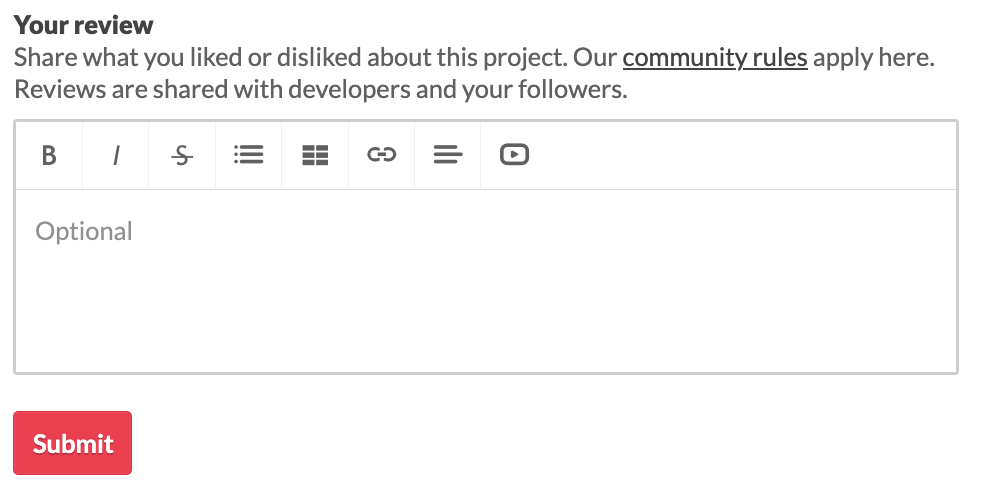
After that click submit and you are done!
Pro tip:
If you leave a rating, good or bad, make sure to leave a review as well. That will help the developer know what they are doing well OR what they need to work on.
Good luck and have fun!